
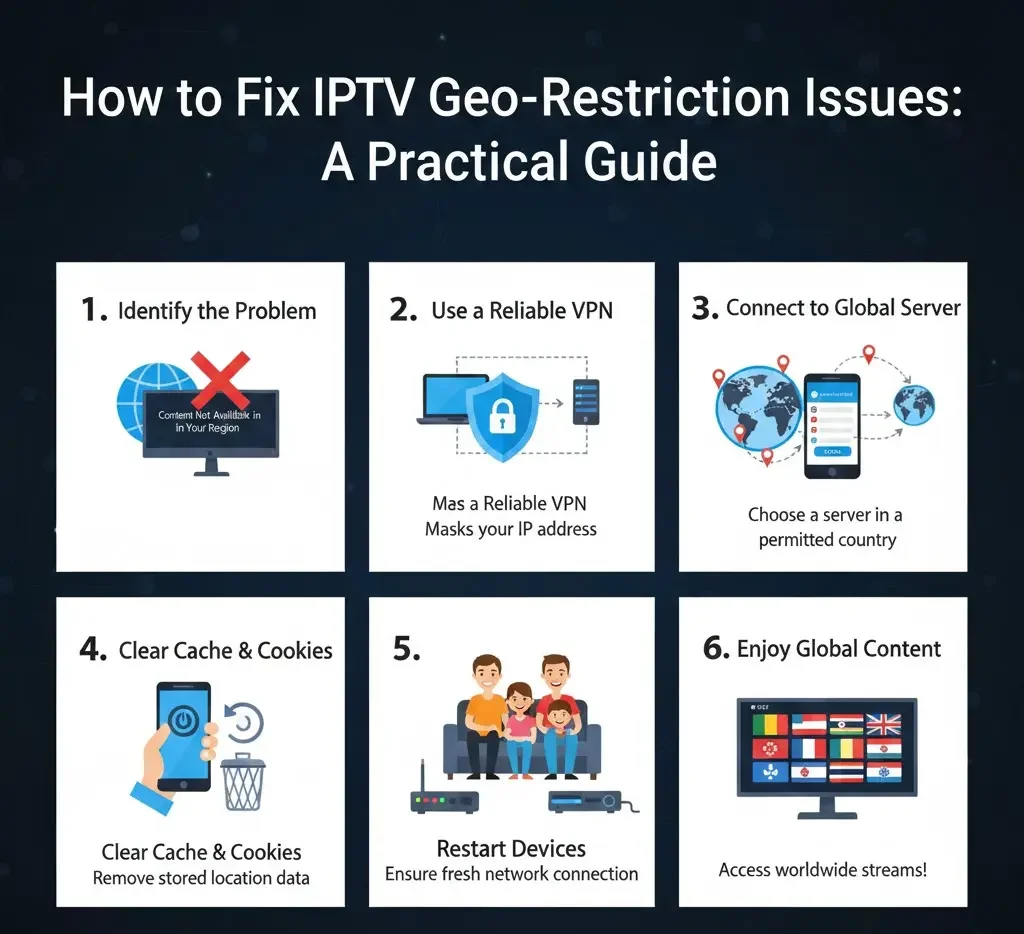
Geo-restrictions can be a frustrating obstacle when trying to access your favorite IPTV content. You may encounter error messages or find that certain channels and shows are unavailable in your region. Fortunately, there are practical steps you can take to bypass these restrictions and enjoy uninterrupted streaming. This guide will focus on solutions that are safe, effective, and easy to implement.
1. Use a Reliable VPN
A Virtual Private Network (VPN) is one of the most effective ways to bypass geo-restrictions. A VPN masks your real location and allows you to appear as if you’re browsing from another country.
How to do it:
-
Choose a VPN service known for high-speed servers and strong privacy policies.
-
Install the VPN on your device before opening your IPTV app.
-
Connect to a server located in a country where the content is available.
-
Launch your IPTV app and check if the restricted channels are accessible.
Reader tip: Not all VPNs are optimized for streaming. Free VPNs often have slow speeds or limited server options, so investing in a premium service usually delivers better results.
2. Change DNS Settings
Some geo-restrictions can be bypassed by using custom DNS servers, which reroute your internet traffic through servers in other regions without encrypting it like a VPN.
Steps to set it up:
-
Access your device’s network settings.
-
Find the option to manually enter DNS servers.
-
Use DNS servers from a region where your content is available.
-
Save the settings and restart your IPTV app.
Tip for readers: DNS changes are less secure than VPNs but can offer faster streaming since they don’t encrypt traffic.

3. Use Smart DNS Services
Smart DNS is a specialized service designed specifically for bypassing geo-restrictions on streaming platforms. Unlike traditional DNS, Smart DNS only redirects certain traffic while leaving other connections unchanged, reducing speed loss.
How to implement:
-
Subscribe to a Smart DNS service.
-
Follow the provider’s setup instructions to configure your device.
-
Connect to the region where your content is allowed.
-
Open your IPTV app and test restricted channels.
Reader tip: Smart DNS is ideal for devices like smart TVs and streaming sticks, where VPN apps may not be supported.
4. Check for Regional Alternatives
Some content is restricted in your country but may be available through regional partners or alternative servers provided by your IPTV service.
-
Look for official regional versions of the channel.
-
Check if your IPTV provider offers multiple server locations for the same content.
-
Switch servers or channels to see if the content becomes accessible.
Tip: Sometimes a simple server change within your IPTV app can bypass restrictions without using additional tools.
5. Update Your IPTV App and Device
Outdated apps or devices may trigger geo-restriction errors due to old IP or location data. Keeping everything updated can sometimes solve access problems:
-
Check for app updates and install the latest version.
-
Update your streaming device or smart TV firmware.
-
Restart your device after updates.
Reader note: An updated app ensures that your IPTV service can properly communicate with servers in other regions.
6. Combine Solutions for Best Results
For consistent access, many users find that combining multiple methods works best:
-
Use a VPN for secure and flexible access.
-
Configure Smart DNS on devices where VPNs aren’t supported.
-
Switch servers within your IPTV app to find the most reliable connection.
This layered approach ensures that you can overcome geo-restrictions while maintaining speed and stability.
7. Be Mindful of Legal and Service Policies
While bypassing geo-restrictions can improve access, it’s important to respect local laws and the terms of service of your IPTV provider. Avoid using methods that could violate regulations in your country.
Tip for readers: Focus on tools that protect your privacy and provide secure connections, like reputable VPNs and Smart DNS services.
Final Thoughts
Geo-restrictions don’t have to limit your viewing experience. By using VPNs, DNS settings, Smart DNS, or server alternatives, you can access content from other regions safely and reliably. Keeping apps updated and using multiple methods together will give you the most stable experience.
Reader takeaway: With the right tools and a little configuration, you can enjoy all your favorite IPTV content, regardless of where you are.
About the Author