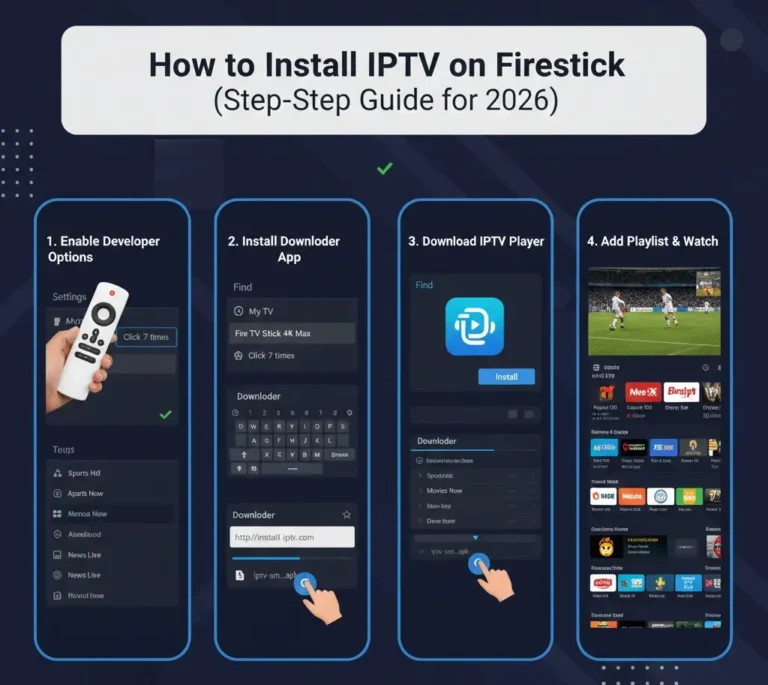
Streaming technology continues to evolve rapidly, and IPTV players have become essential tools for organizing and watching live TV channels, movies, and on-demand content. With hundreds of IPTV apps available today, finding a reliable and smooth player can make a huge difference in your viewing experience.
In 2026, the best IPTV apps focus on performance, ease of use, and compatibility across devices. Whether you’re streaming on Firestick, Android smartphones, smart TVs, or a PC, a good IPTV player helps you manage playlists, navigate channels easily, and enjoy high-quality streaming.
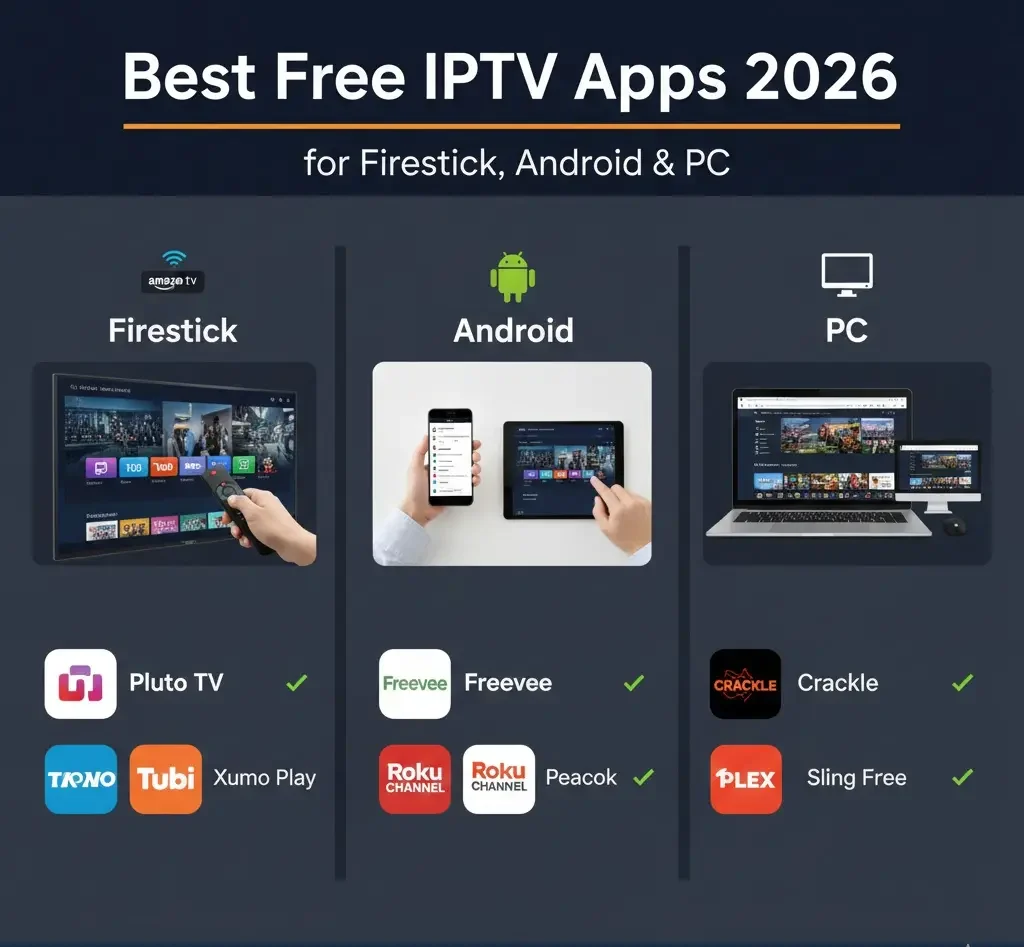
Below are some of the best free IPTV apps in 2026 that provide powerful features and smooth playback across multiple platforms.
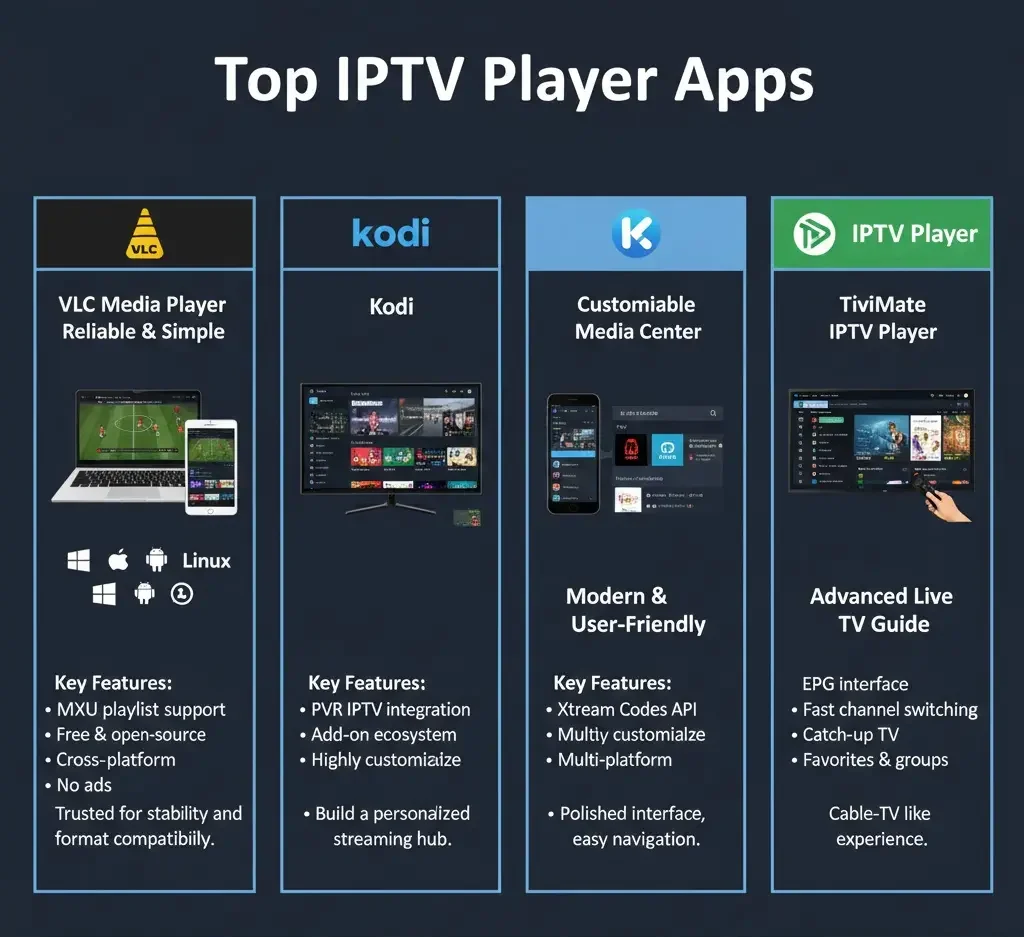
VLC Media Player
One of the most trusted media players worldwide is VLC Media Player, which continues to be a reliable option for IPTV streaming. Known for its ability to handle almost every media format, VLC also supports IPTV playlists without needing additional software.
Key Features
- Supports M3U playlists
- Completely free and open-source
- Works on Android, Windows, macOS, and Linux
- No ads or subscription requirements
Why Many Users Choose VLC
VLC offers a straightforward streaming experience. While the interface is simple compared to modern IPTV apps, it remains extremely stable and lightweight, making it perfect for users who want a quick and reliable IPTV solution.
Kodi
Kodi is more than just a media player—it is a complete media center that allows users to customize their streaming experience using add-ons and plugins.
Features
- IPTV integration through PVR IPTV Simple Client
- Highly customizable interface
- Large ecosystem of add-ons
- Compatible with Firestick, Android, Windows, Linux, and macOS
Best Use Case
Kodi is ideal for users who enjoy building a personalized streaming setup. With the right configuration, it can manage live TV, movies, music, and other media content in one place.
IPTV Smarters Player
IPTV Smarters Player is one of the most popular IPTV apps used on Firestick and Android devices. Its clean interface and user-friendly design make it a favorite among IPTV users.
Key Features
- Supports Xtream Codes API and M3U playlists
- Built-in EPG (TV Guide)
- Multi-screen viewing
- Parental controls
- Modern streaming interface
Why It Stands Out
The app provides a polished experience similar to popular streaming platforms, allowing users to browse channels, series, and movies easily.
TiviMate IPTV Player
Among users of **Amazon Firestick devices and Google Android TV, TiviMate IPTV Player has become one of the most popular IPTV player apps.
Features
- Advanced TV guide interface
- Fast channel switching
- Favorites management
- Playlist grouping
- Catch-up TV support (depending on provider)
Best For
TiviMate offers a cable-TV-like interface, making it extremely easy to browse channels and schedules.
Perfect Player IPTV
Perfect Player IPTV is another powerful IPTV application known for its speed and efficiency.
Features
- Supports M3U and XSPF playlists
- XMLTV EPG support
- Lightweight design
- Smooth performance on older devices
Why It’s Still Popular
Even though the interface looks slightly dated, Perfect Player performs extremely well on low-powered Android devices and TV boxes.
GSE Smart IPTV
Another versatile IPTV solution is GSE Smart IPTV, which supports multiple formats and works on various platforms.
Features
- Supports M3U and JSON playlists
- Chromecast compatibility
- Advanced playlist management
- External player support
- Multiple language options
Best For
Users who want flexibility across mobile devices, tablets, and smart TVs often prefer GSE Smart IPTV.
MyIPTV Player (Best for Windows)
For PC users, MyIPTV Player is one of the best free IPTV apps available for Windows systems.
Features
- Designed specifically for Windows
- Playlist and EPG management
- Built-in channel search
- Recording capabilities
Why PC Users Like It
The interface is optimized for keyboard and mouse navigation, making it convenient for desktop viewing.
How to Choose the Best IPTV App
Not all IPTV players offer the same features. Choosing the right one depends on your device and streaming preferences.
Device Compatibility
Before installing an IPTV app, make sure it supports your device:
- Firestick / Fire TV
- Android TV
- Android smartphones and tablets
- Windows PCs
- macOS or Linux computers
Some apps are optimized specifically for TV interfaces, while others are designed for mobile devices.
Playlist Support
Most IPTV services use one of two playlist formats:
- M3U playlists
- Xtream Codes API
Your IPTV player should support the format provided by your IPTV service.
Electronic Program Guide (EPG)
A good IPTV app should include EPG support, allowing you to see schedules and upcoming programs just like traditional television guides.
Firestick vs Android vs PC: Which Is Better for IPTV?
Different devices offer different streaming experiences.
Firestick
Firestick is among the most popular devices for IPTV streaming because it is easy to use and widely accessible.
- Affordable
- Easy to set up
- Compatible with many IPTV apps
Apps like TiviMate and IPTV Smarters work especially well on Firestick.
Android Devices
Android phones, tablets, and Android TV boxes offer the largest selection of IPTV apps, making them extremely versatile for streaming.
PC
Watching IPTV on a PC provides benefits such as:
- Larger screens
- Easier playlist editing
- More powerful hardware
Apps like VLC and MyIPTV Player perform particularly well on desktop systems.
Tips for the Best IPTV Streaming Experience
Even the best IPTV app needs the right setup to perform smoothly.
Use a Fast Internet Connection
Recommended speeds:
- 25 Mbps for HD streaming
- 50 Mbps or higher for 4K streaming
Keep Apps Updated
Regular updates improve performance and fix bugs.
Organize Your Channel List
Large IPTV playlists can contain thousands of channels. Using favorites and categories helps simplify navigation.
Final Thoughts
Finding the best IPTV app in 2026 depends largely on your device and preferences. Some users prefer simple and lightweight players, while others want a full media center experience.
Apps like VLC Media Player, Kodi, and TiviMate IPTV Player continue to lead the IPTV space thanks to their reliability, flexibility, and powerful features.
Testing a few different IPTV apps is the best way to discover which one works perfectly for your streaming setup.
About the Author