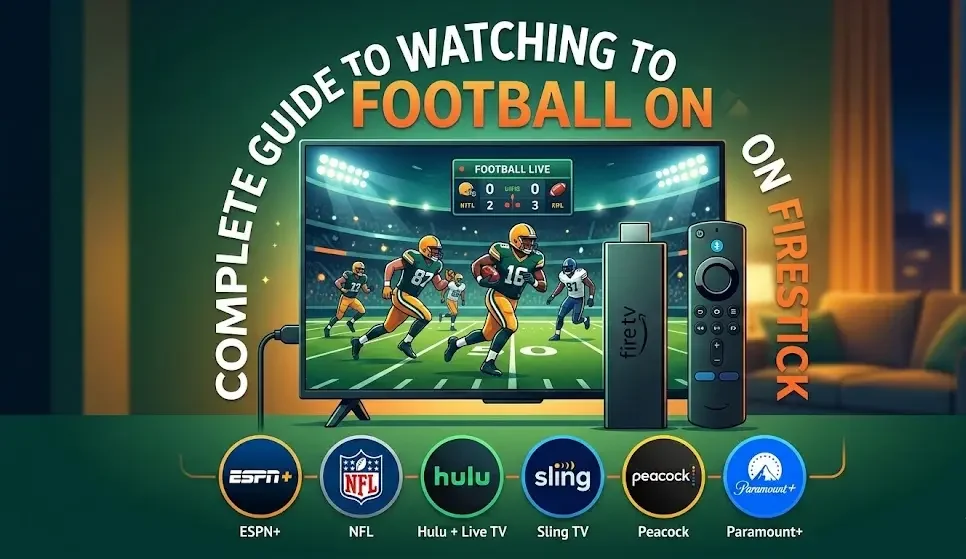
Football fans worldwide are always searching for convenient ways to watch their favorite matches. With modern streaming technology, enjoying live football has become easier than ever. One of the most popular streaming devices today is the Amazon Fire TV Stick, which allows users to stream sports, movies, and TV shows directly on their television.
Whether you follow European leagues, international tournaments, or American football, Firestick offers multiple legal streaming options to watch games in high quality. In this guide, you’ll learn how to watch football on Firestick legally, the best apps to use, and tips to improve your streaming experience.
What Is Firestick and How Does It Work?
Instead of relying on traditional cable TV, users can watch sports, live TV channels, movies, and on-demand content through streaming services.
Key Features of Firestick
- Easy setup and installation
- Access to thousands of streaming apps
- Alexa voice remote for quick searches
- HD and 4K streaming support
- Affordable alternative to cable TV
Because of these benefits, Firestick has become a favorite device among sports lovers.
Legal Ways to Watch Football on Firestick
There are several official apps available in the Amazon Appstore that legally stream football matches. Below are some of the best options.
Watch Football with YouTube TV
YouTube TV is one of the most reliable live TV streaming platforms for sports fans.
Official Website: https://tv.youtube.com/
Why Choose YouTube TV?
- Access to sports networks like ESPN, FOX Sports, NBC, and CBS
- Coverage of major leagues including the NFL
- Unlimited DVR storage to record games
- High-quality HD streaming
How to Install YouTube TV on Firestick
- Go to the Firestick home screen.
- Select the Search option.
- Type “YouTube TV”.
- Click Download.
- Open the app and sign in.
After installation, you can immediately start watching live sports.
Stream Football with Hulu + Live TV
Another excellent option is Hulu + Live TV.
Official Website: https://www.hulu.com/live-tv
This service combines live TV channels with Hulu’s popular on-demand entertainment library.
Benefits of Hulu + Live TV
- Includes ESPN, NBC Sports, and FOX Sports
- Bundled access to Disney+ and ESPN+ in many plans
- Multiple simultaneous streams
- Access to movies and TV series
For users who want both sports and entertainment, Hulu + Live TV is a strong choice.
Watch Matches on ESPN
The ESPN app is essential for many sports fans. With a subscription to ESPN+, users can watch a wide variety of football matches.
Official Website: https://www.espn.com/watch/
What You Can Watch on ESPN+
- Live games and exclusive sports events
- Sports analysis and talk shows
- Match highlights and replays
- College and international football competitions
The app is easily available through the Firestick app store.
Stream Premier League Matches on Peacock
Fans of English football can watch matches using Peacock.
Official Website: https://www.peacocktv.com/
Peacock broadcasts many games from the Premier League.
Features of Peacock
- Live Premier League matches
- Full match replays and highlights
- Expert commentary and analysis
- Affordable monthly subscription plans
For fans of English clubs, Peacock is one of the best legal streaming services.
Watch International Football on DAZN
DAZN is another sports streaming platform compatible with Firestick.
Official Website: https://www.dazn.com/
What DAZN Offers
- International football competitions
- High-definition live streaming
- On-demand match replays
- Sports documentaries and original content
DAZN continues expanding its sports coverage in many countries.

How to Install Streaming Apps on Firestick
Installing apps on Firestick takes only a few minutes.
Step-by-Step Installation Guide
-
-
Select the Find or Search option.
-
Enter the name of the streaming app.
-
Select the app from the results.
-
Click Download or Get.
-
Launch the app and log in with your account.
Tips for the Best Football Streaming Experience
Streaming live sports requires a stable internet connection and optimized device settings.
Use a Fast Internet Connection
For smooth HD streaming, at least 10–15 Mbps internet speed is recommended.
Keep Firestick Updated
Software updates improve performance and reduce buffering issues.
Close Unused Apps
Too many background apps may slow down your device.
Use Ethernet for Better Stability
If your Wi-Fi signal is weak, an Ethernet adapter can improve streaming quality.
Check App Subscriptions
Most sports apps require active subscriptions or TV provider credentials.
Why You Should Avoid Illegal Streaming Apps
Some unofficial apps promise free football streams, but they often come with serious risks.
Risks of Illegal Streaming
- Legal issues
- Poor video quality and buffering
- Malware and security threats
- Unreliable services that can shut down anytime
Using official streaming platforms ensures safe and high-quality viewing.
Advantages of Watching Football on Firestick
Using Firestick for sports streaming offers several benefits.
Flexible Viewing
You can watch matches anytime without relying on cable schedules.
Access to Global Leagues
Fans can follow competitions from around the world.
Portability
Firestick can be carried while traveling and used on any compatible TV.
Lower Costs
Streaming services are often more affordable than traditional cable packages.
Final Thoughts
The Amazon Fire TV Stick has changed the way football fans watch live matches at home. With apps like YouTube TV, Hulu + Live TV, Peacock, ESPN, and DAZN, viewers can stream football legally and enjoy high-quality broadcasts.
Whether you’re following the NFL, the Premier League, or other competitions, Firestick offers a convenient and flexible way to watch your favorite matches.
By choosing legal streaming services, you get reliable streams, better video quality, and a safer entertainment experience.
About the Author